eLearning Video Upload
Upload video file for local video lessons in Odoo eLearning: MP4 and WebM, video player, no download.
About this app
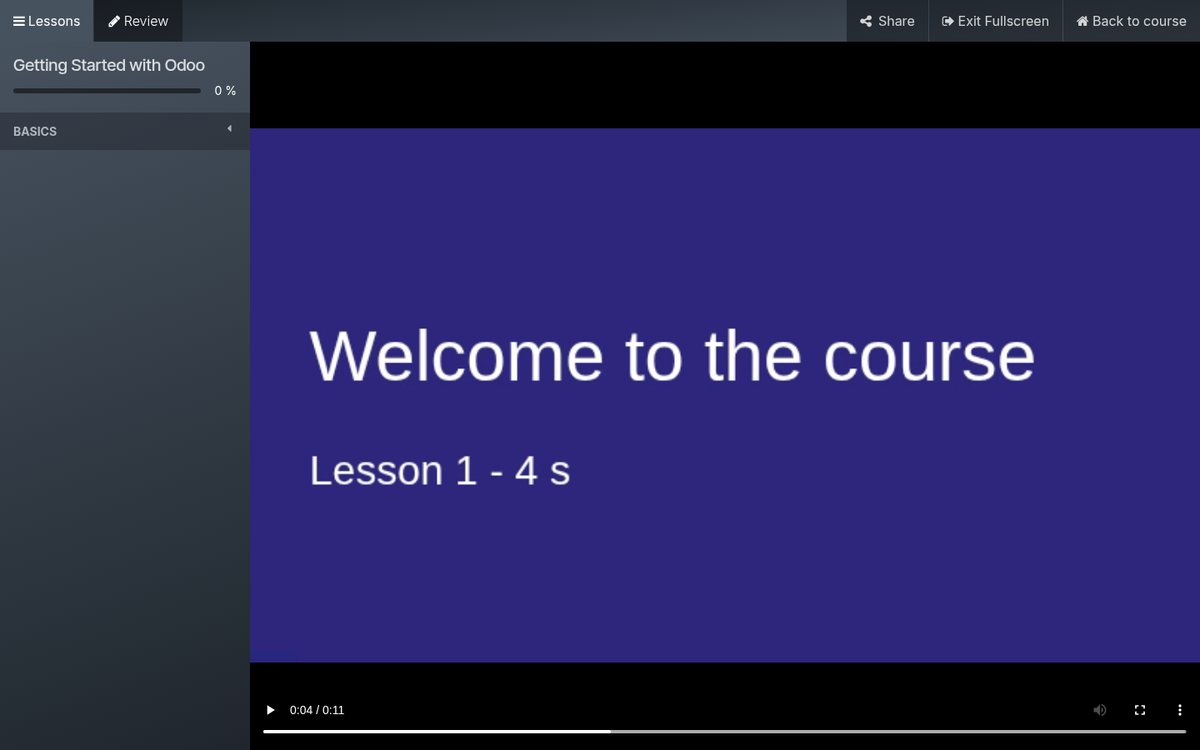
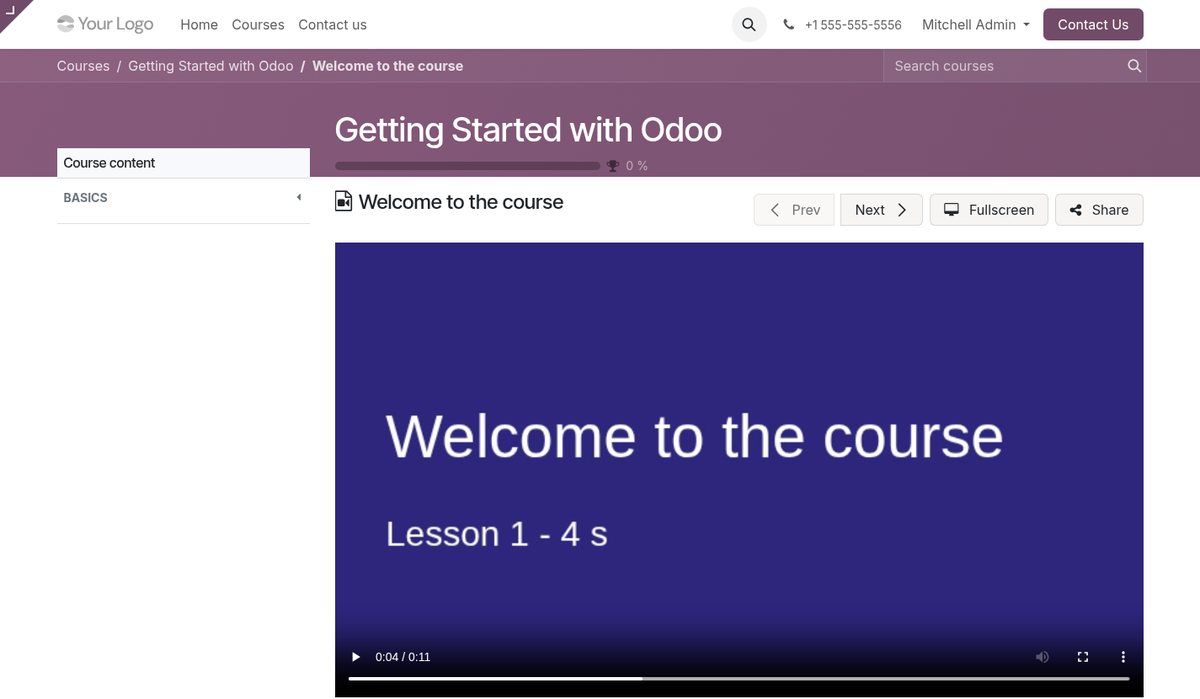
Course video upload for Odoo eLearning. Odoo eLearning plays lesson videos from YouTube, Vimeo and Google Drive links only. eLearning Video Upload adds a video you upload from your computer to a Video lesson: it is checked, stored in Odoo and streamed privately to the people who may open the lesson, on the lesson page and in the fullscreen player, with no download button. Made for training centres, schools, academies and course creators that keep their course videos in Odoo.
Key features
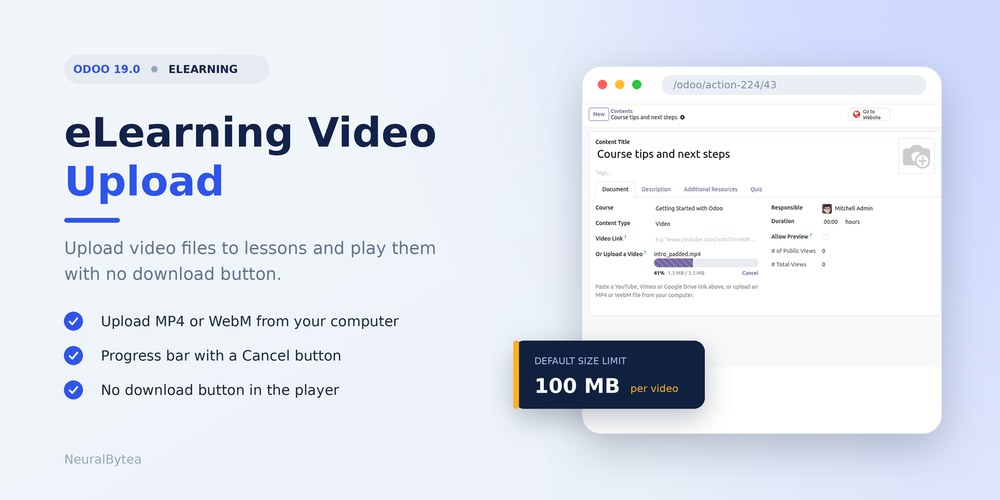
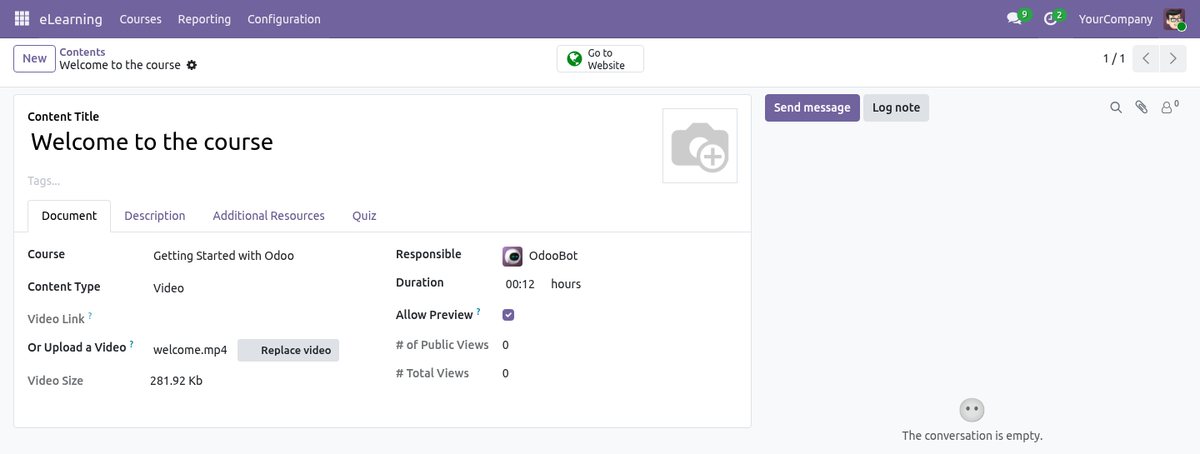
- eLearning Video Upload: Add an MP4 or WebM file to a Video lesson from your computer, instead of a YouTube, Vimeo or Google Drive link.
- Course Video Upload: Any lesson of any course can carry its own video file. Links to YouTube, Vimeo and Google Drive keep working as before.
- Private Video Streaming: Only people who may open the lesson can stream its video: enrolled attendees, previewable lessons and the course team. Everyone else gets a not found page.
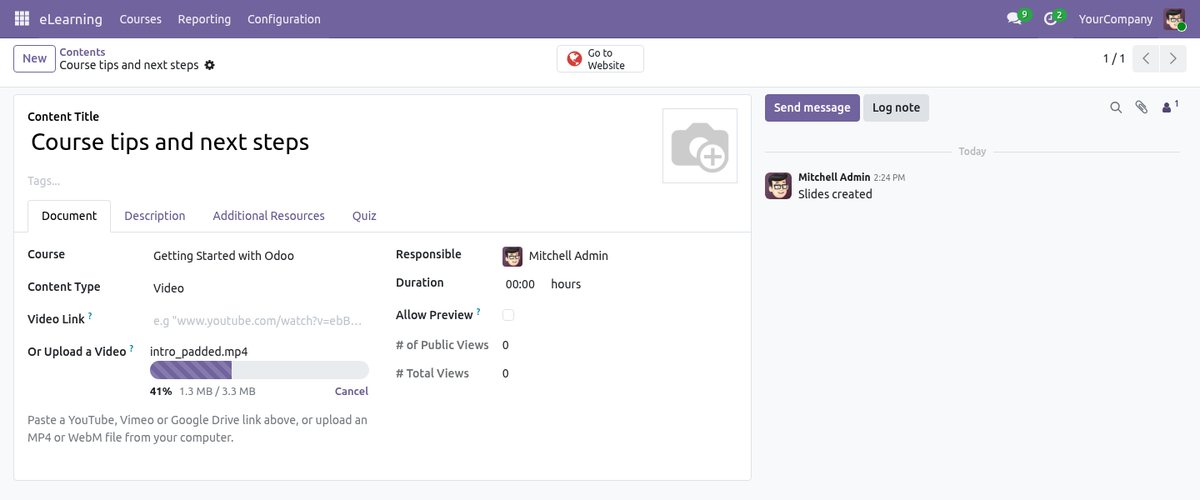
- Upload Progress Bar: The lesson form shows the percentage and the megabytes sent, with a Cancel button. Size and format are checked in the browser before anything is sent.
- No Download Button: The player hides the download and remote playback buttons and picture-in-picture, and blocks the right-click menu. This stops casual saving; it is not copy protection.
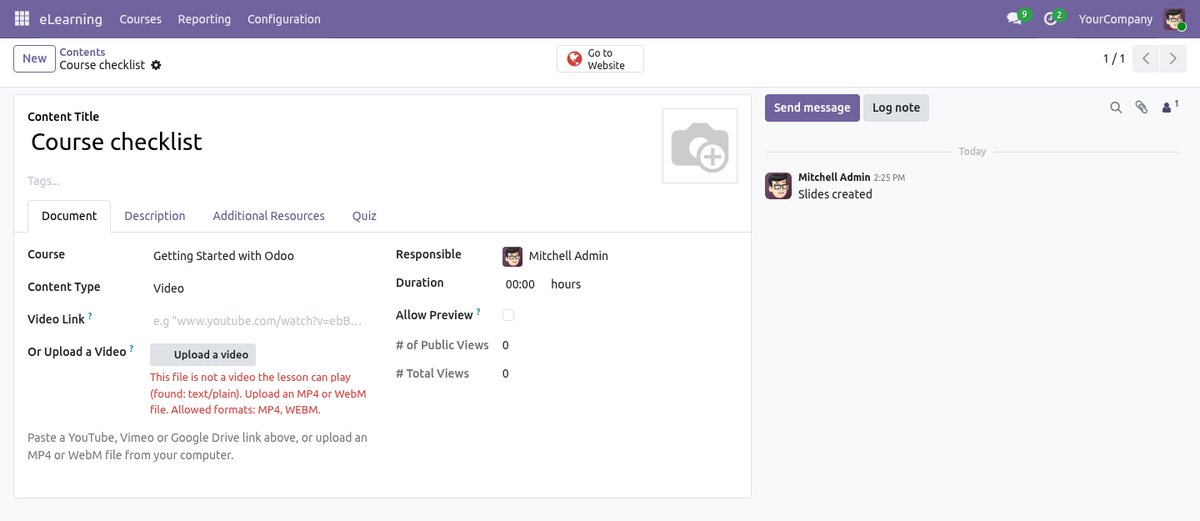
- Checks the File Type: The type is read from the first bytes of the file (MP4, WebM and Ogg signatures), never from the file name. A text file renamed to .mp4 is refused.
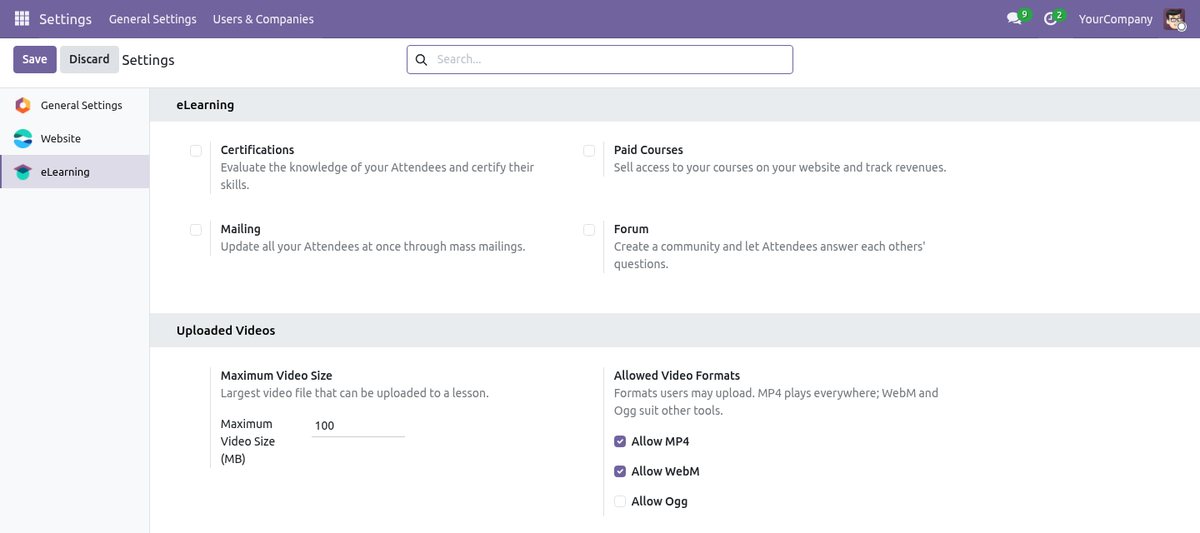
- Size Limit and Formats: An Administrator sets the largest file size (100 MB by default) and which of MP4, WebM and Ogg may be uploaded (MP4 and WebM are on by default).
- Seeking in Long Videos: The video is streamed in parts (range requests), so learners can jump to any point instead of waiting for a full download.
- Duration Filled In: The length of an MP4 is read from the file and set as the lesson duration when the duration is empty.
- Fullscreen Completion: In the fullscreen player an attendee's lesson is marked complete when the last 30 seconds begin (lessons without a quiz question), and the next lesson opens when the video ends.
- Published Lesson Check: A published video lesson needs a video link or an uploaded file, and a lesson cannot have both. Odoo refuses to publish an empty video lesson.
- Replace or Remove: The lesson form shows Replace video and a remove button next to the file name.
Screenshots
Related apps
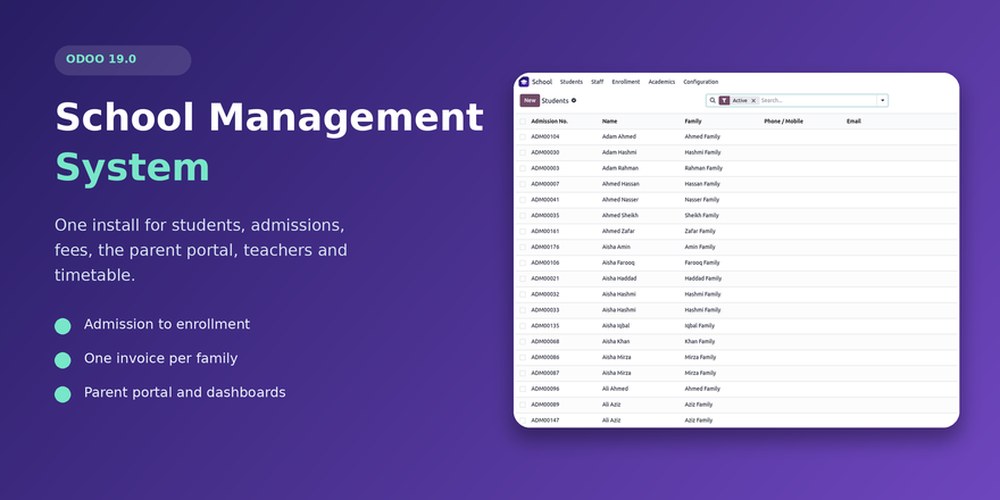
School Management System
School management system for Odoo: students, admissions, family fees, parent portal, teachers
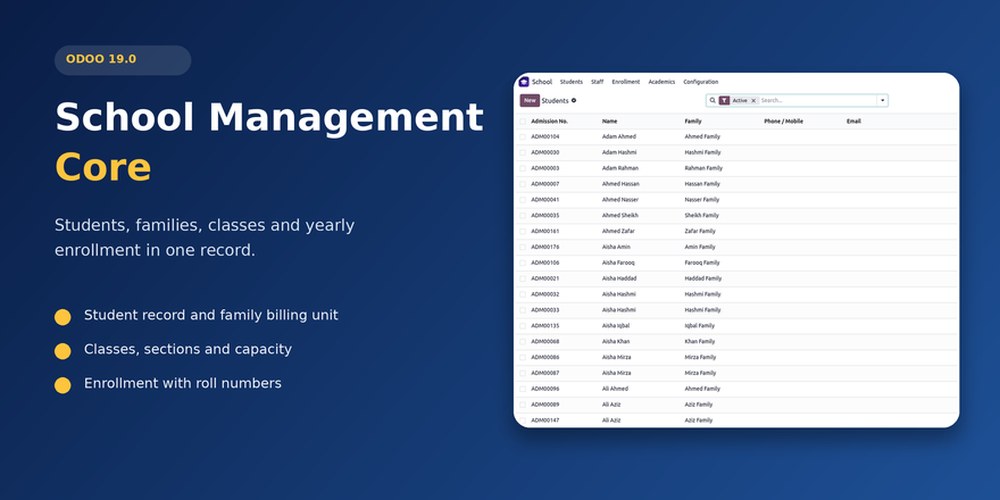
Student Information System
Student records, families, guardians, classes, sections, academic years and enrollment roll numbers
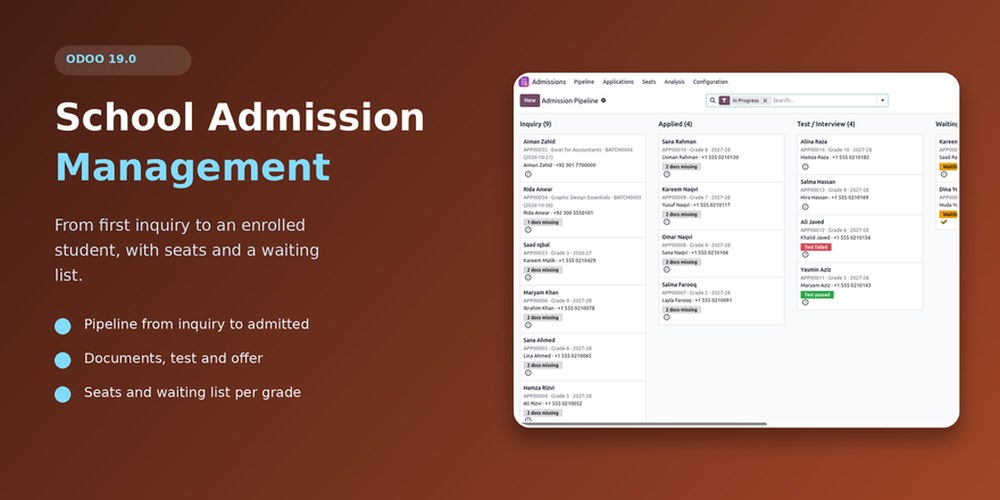
School Admission Management
Admission pipeline: enquiry, documents, entrance test, offers with expiry, seat limits, waiting list